

Running Votes
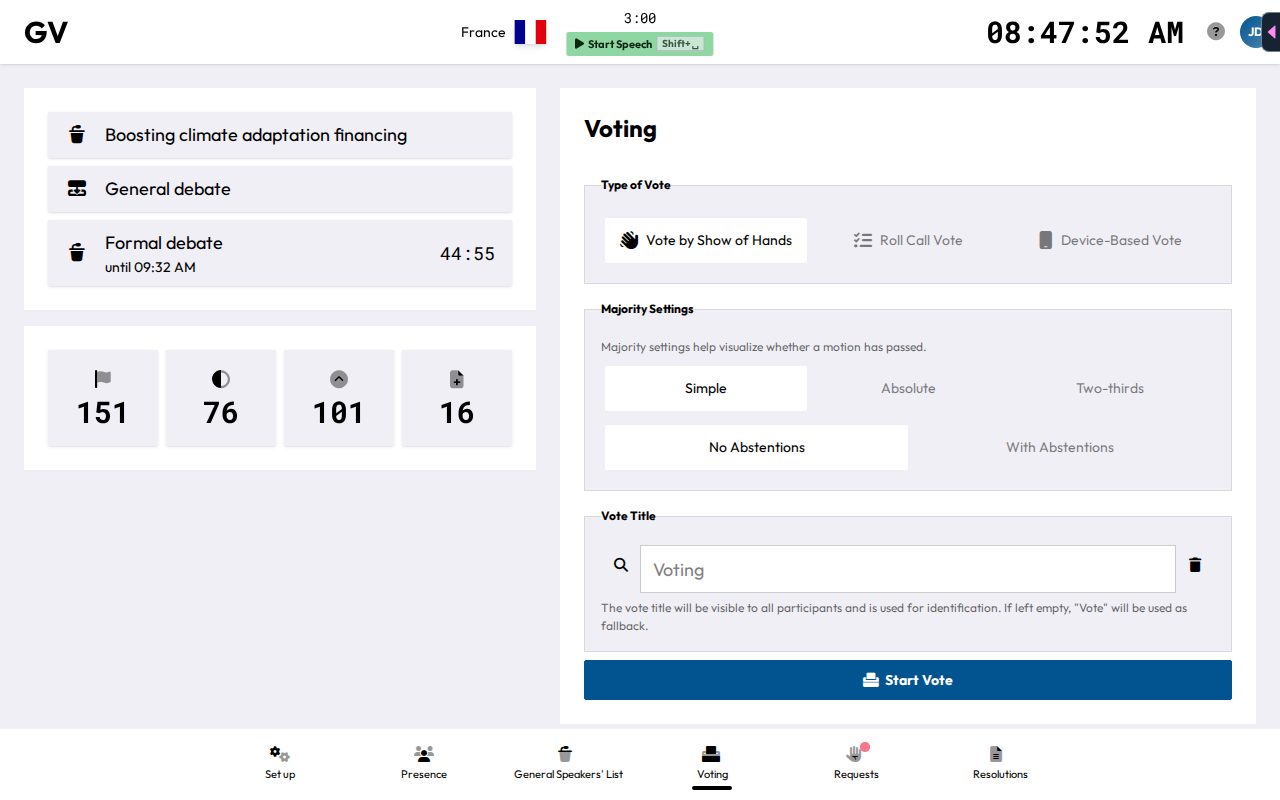
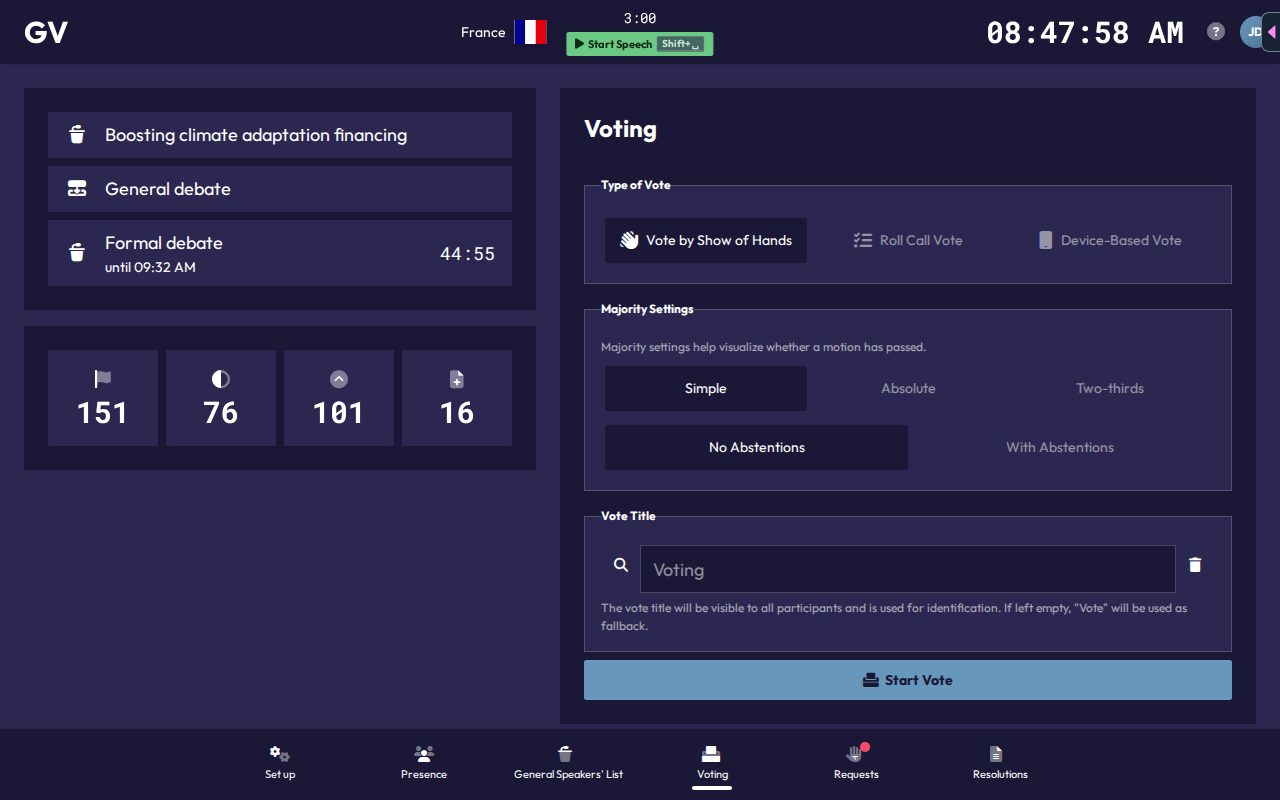
The Voting page (Alt+4) is where you set up and run any vote. You can also press Alt+V on any chair page to open the same setup. If a vote is already active (maybe started from another device), you'll see a "Vote in progress" warning with a Resume Vote button that reopens it with its original settings.
Setting up a vote
- Type of Vote: choose Vote by Show of Hands, or Roll Call Vote.
- Majority Settings: Simple, Absolute, or Two-thirds, plus No Abstentions or With Abstentions.
- Vote Title: pick a preset or type your own. It's shown to everyone and defaults to "Vote" if left blank.
- Click Start Vote.
Show of hands
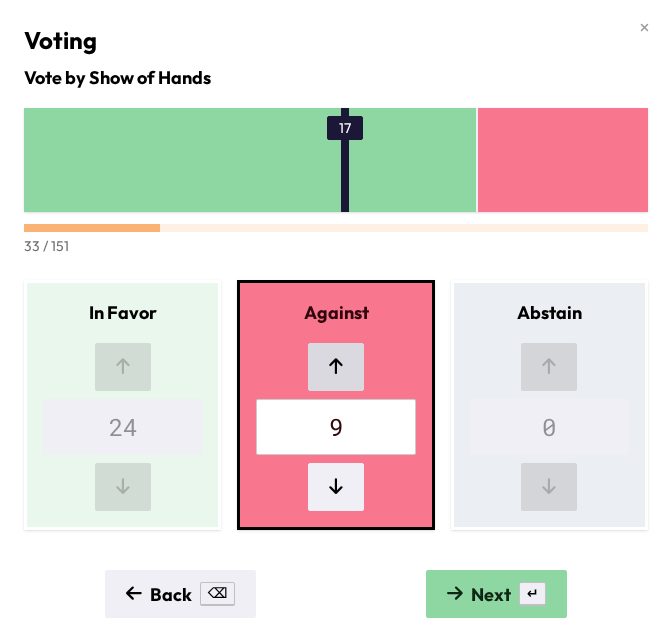
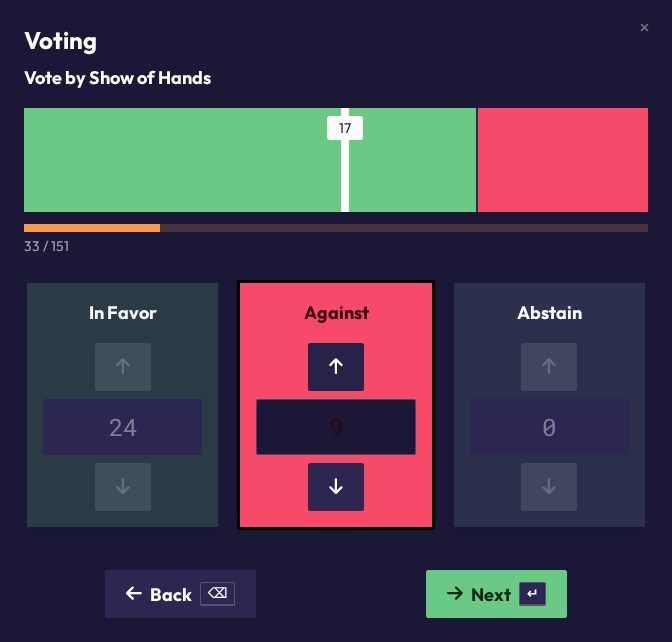
Steps through In Favor, Against, Abstain (if enabled) and the evaluation. At each stage, count the raised placards:
- Space or ↑ adds one, ↓ removes one. You can also type the number into the field.
- Enter or Next moves to the next stage. On the last tally the button becomes Publish, and then Close once you've seen the result.
- Backspace or Back returns to the previous stage.
- Esc cancels the vote without a result.
A progress bar compares your count to the number of delegations present, warning you if you've counted more votes than there are people, or confirming a match.
Roll call vote
The same one-at-a-time walkthrough as the attendance roll call, but recording a vote instead: Against (J), Abstain (K, if allowed), In Favor (L). Only delegations marked present are called. Each choice auto-advances to the next delegation. A live result chart updates as you go, and after the last delegation you land on the evaluation with Close. Esc before the end cancels the vote.
Reading results
The outcome (Adopted / Rejected) is determined automatically against the majority you chose:
- Show of hands: the majority is calculated from the votes you counted. Simple and Two-thirds use In Favor plus Against. Absolute also counts abstentions.
- Roll call: the majority is calculated from the delegations marked present. Simple leaves out abstentions. Absolute and Two-thirds use the committee's present-based majorities from the Majorities card.